Zapier... Sounds a bit techy, I know.
In this article, we will explain exactly what it is and how you can use to send leads from other softwares like webforms, landing page tools, crms, booking systems, payment systems and more!
An example of where you might want to use Zapier to connect with another software that you get leads from might be....
You may be using a webform tool, like typeform. We don't natively integrate with it but via zapier you can connect it.
Imagine you have a piece of garden hose and you cut it in half.
To connect it back together you would need some sort of connector to join the two ends to connect them.
That's what Zapier is. It's a platform that allows you to connect one software to another.
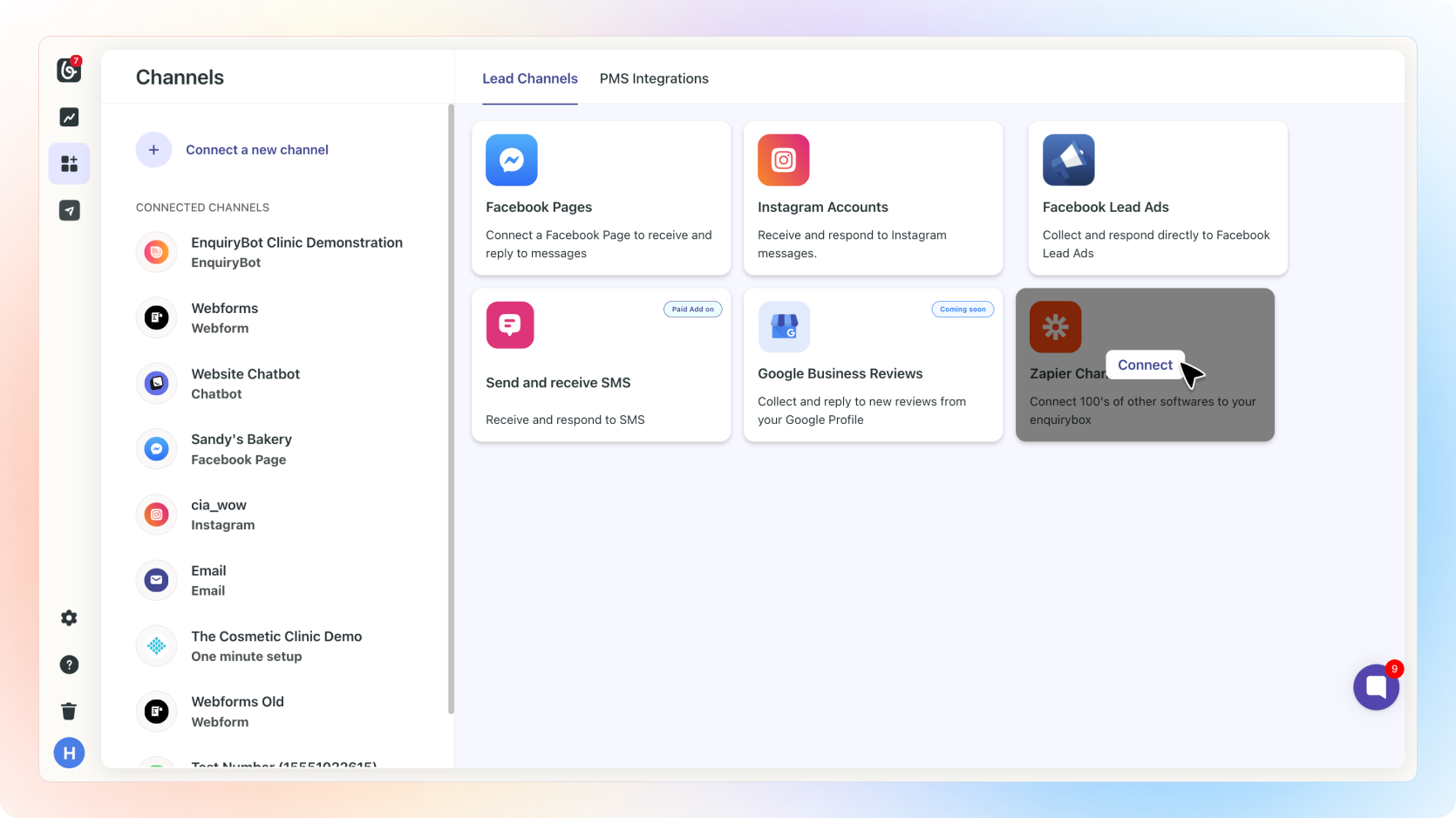
✅ Click on “Channels”, then “Connect a new channel“.
✅ Then click connect on the Zapier Channel
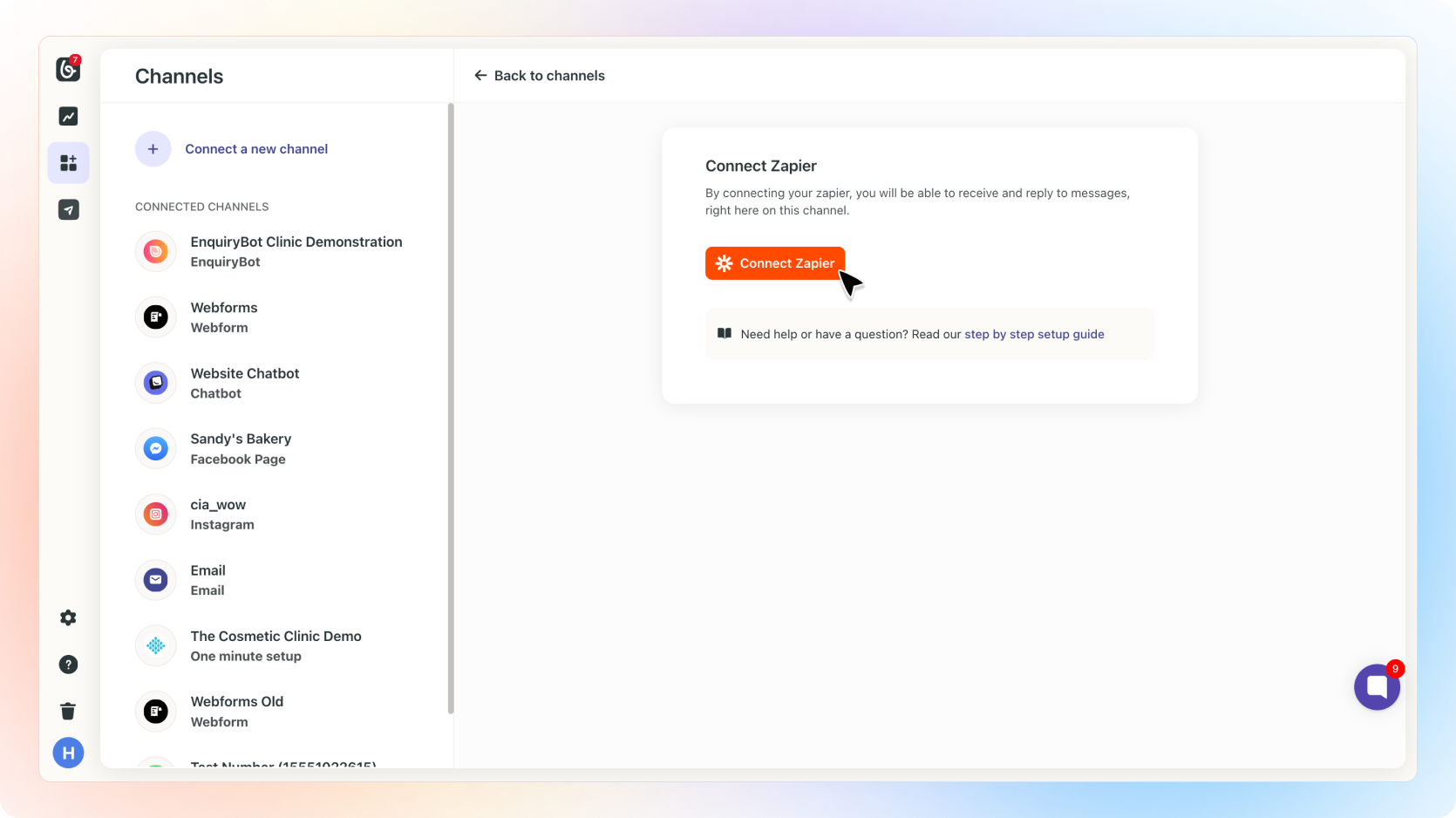
✅ Now you are in the channel, click Connect Zapier

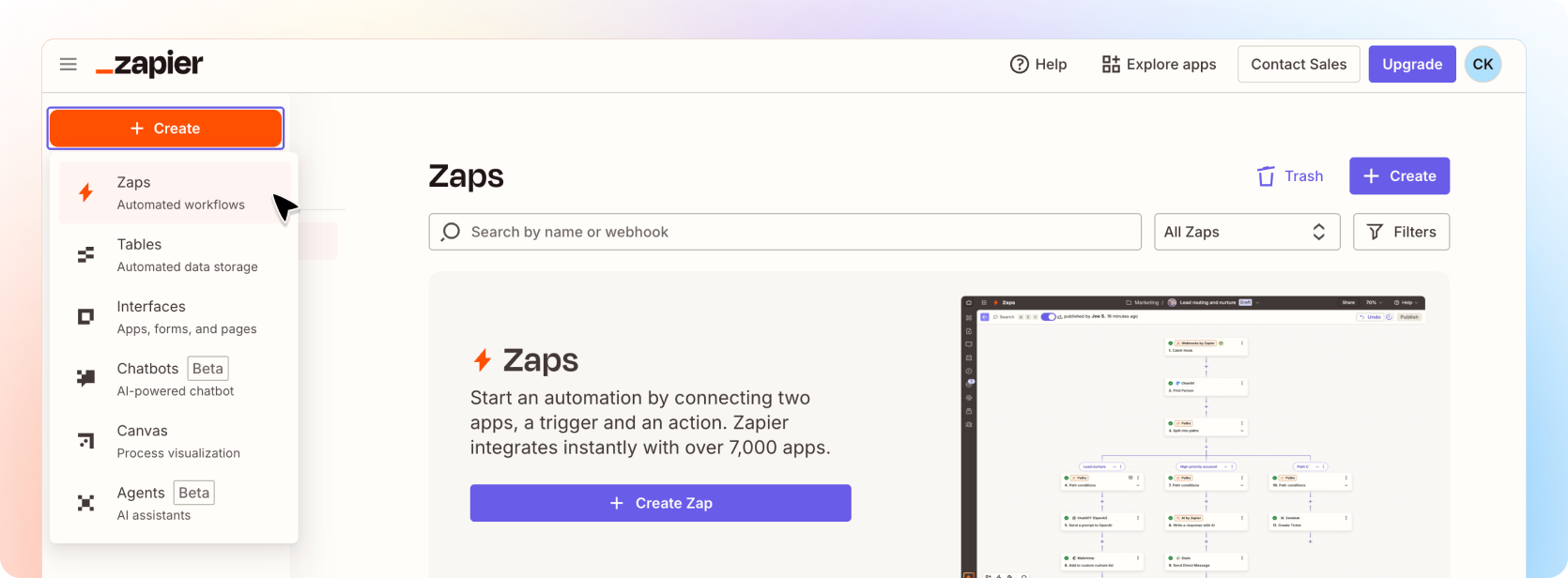
✅ Click "Accept Invite & Build a Zap"

✅ Once accepted, click on "+ Create Zap"
✅ Once inside the builder, click on "Trigger"
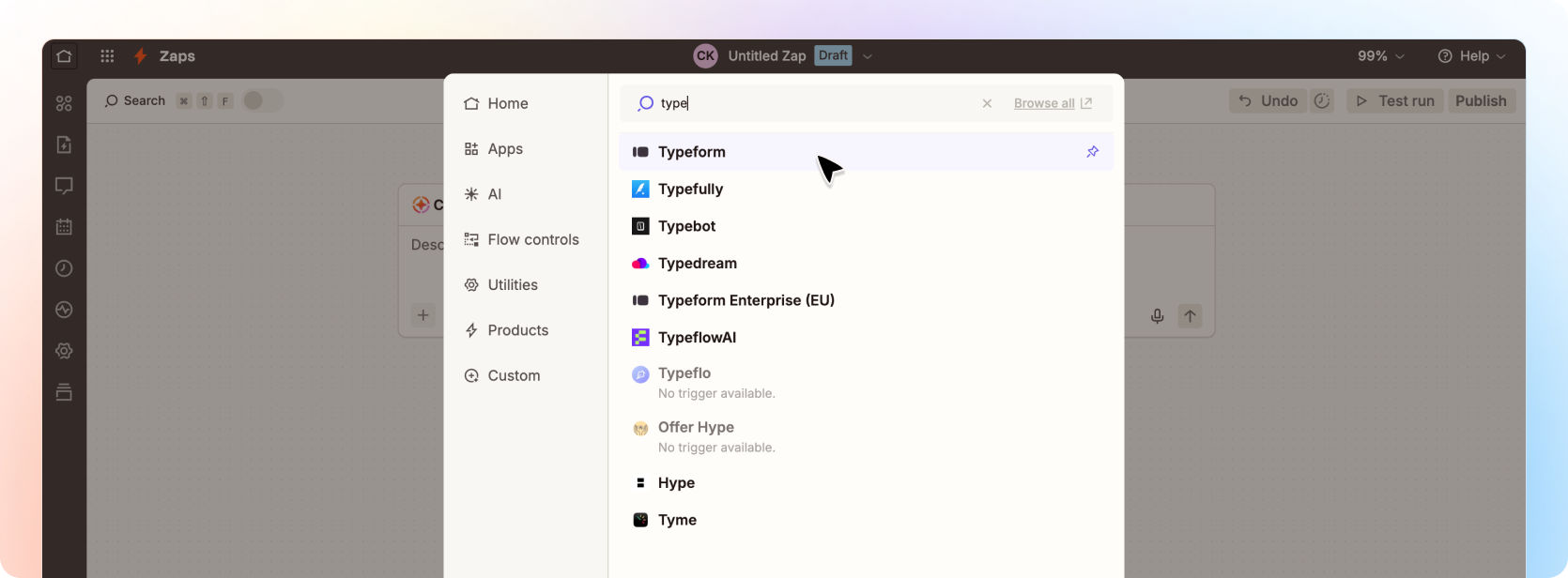
The trigger is software that starts the zap. In our example, we will search for Typeform as we want the trigger to be when a new form is submitted in typeform to send the enquiry to Beami.
✅ In this example, click on Typeform (Latest)
✅ In this example, on the right hand select the trigger event. In this case it's a "New Entry" to a Typeform.
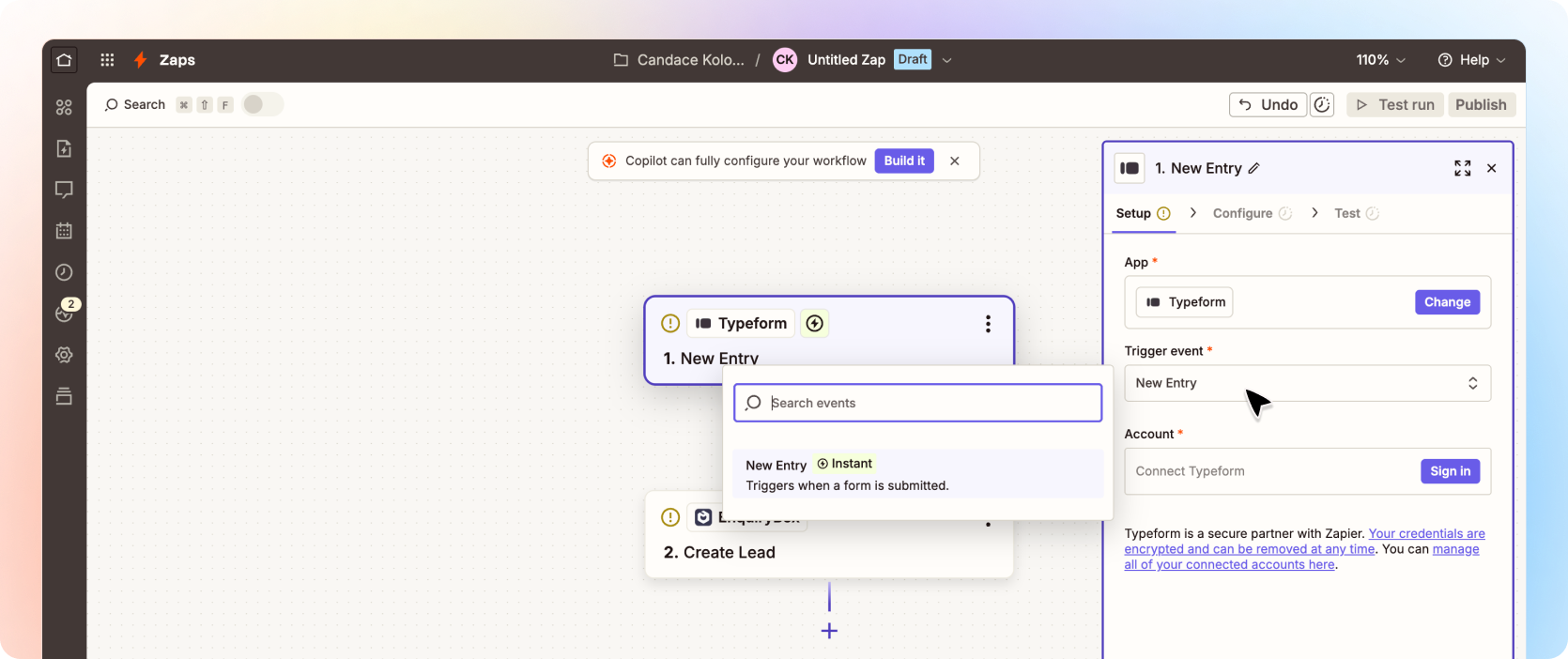
✅ You will then need to sign into Typeform and select the form you want to connect.
Once selected and tested, you will need to select the action.
✅ In this example, it would be to create a lead in Beami.
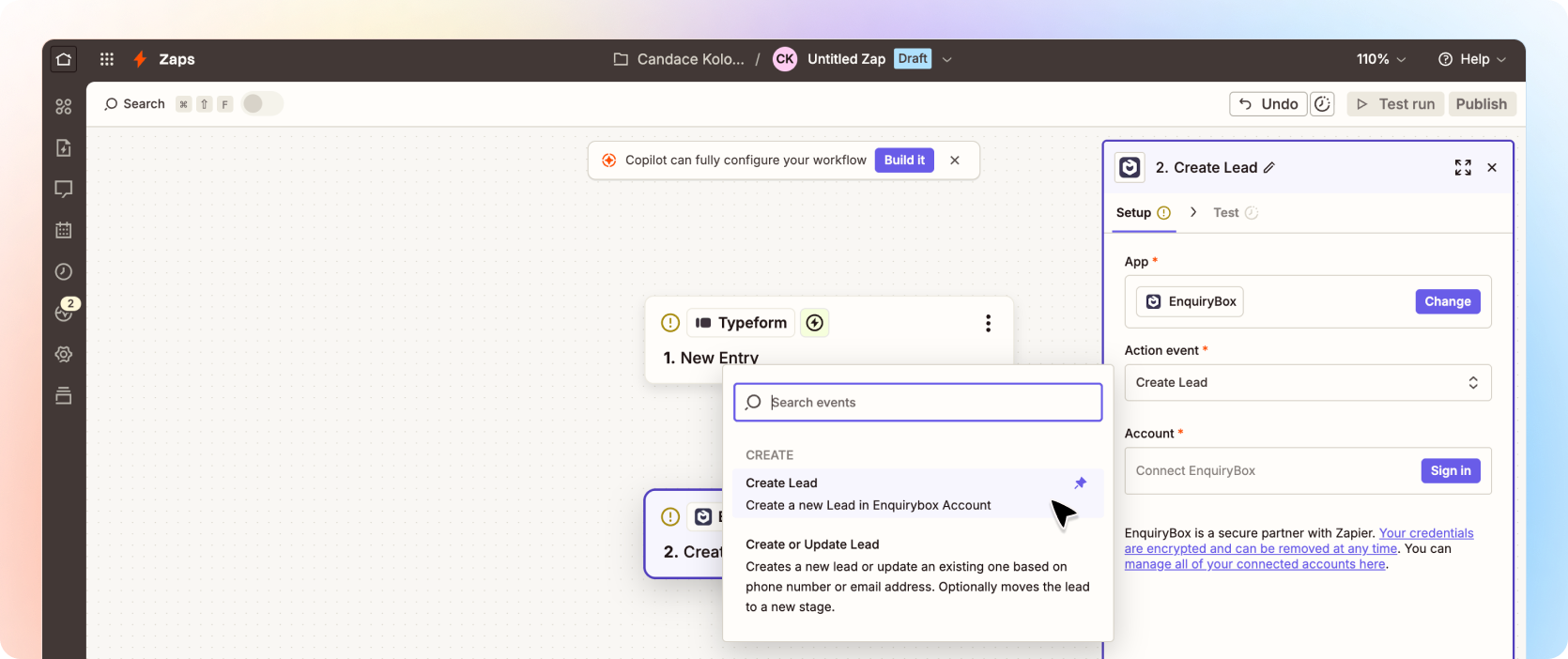
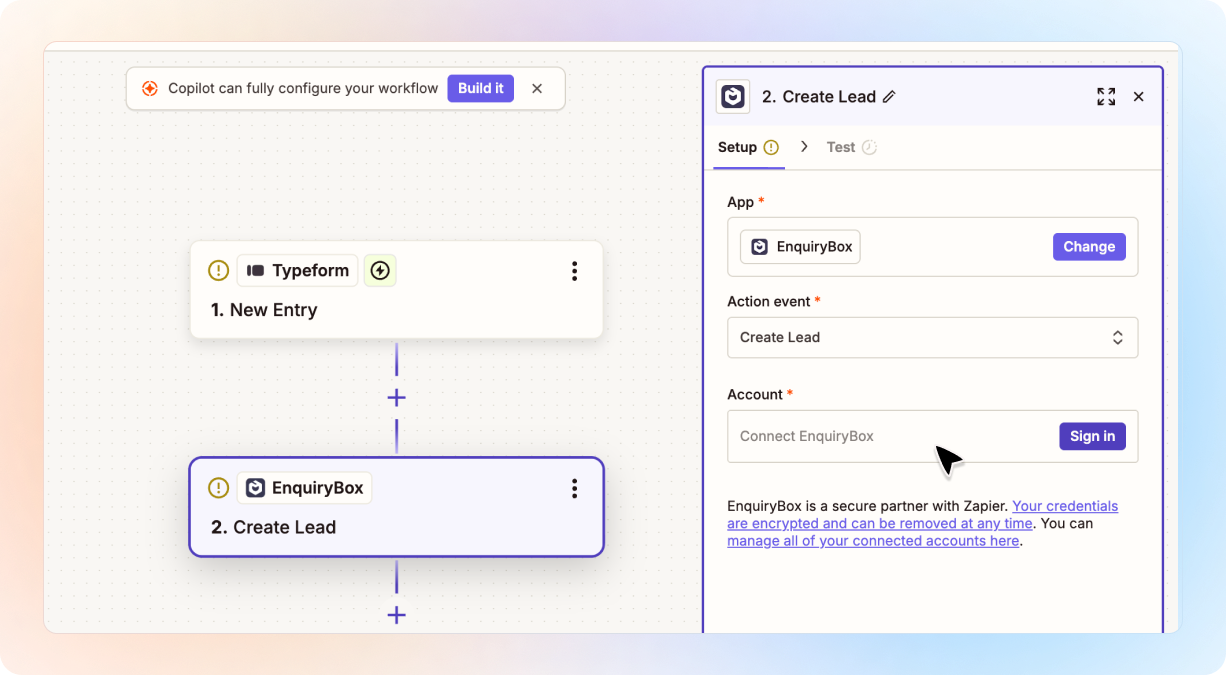
✅ You will then need to login to your Beami account to connect it.
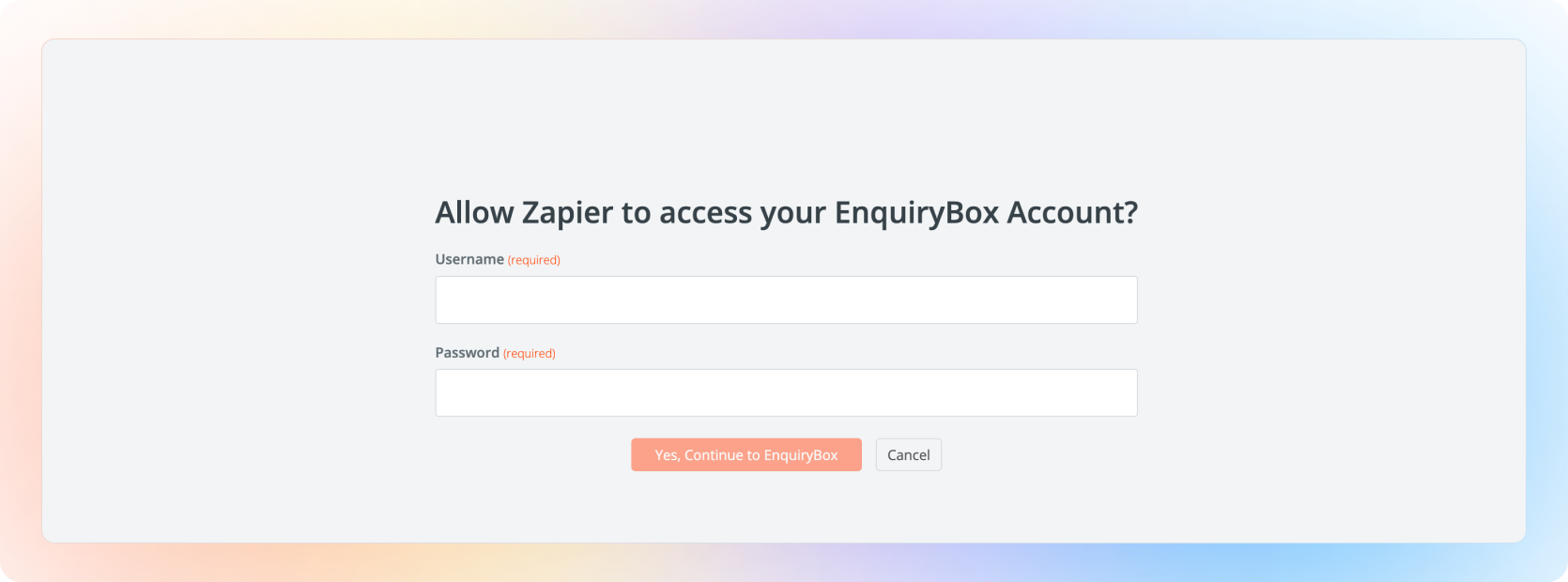
✅ Put in the login details you use to login to your Beami account
✅ Now on the right hand side, select the box and stage you want the Typeform entry to go into and map the Typeform form fields to the Beami fields.
The same applies when you are connecting to any other software. We are using Typeform as a popular example.
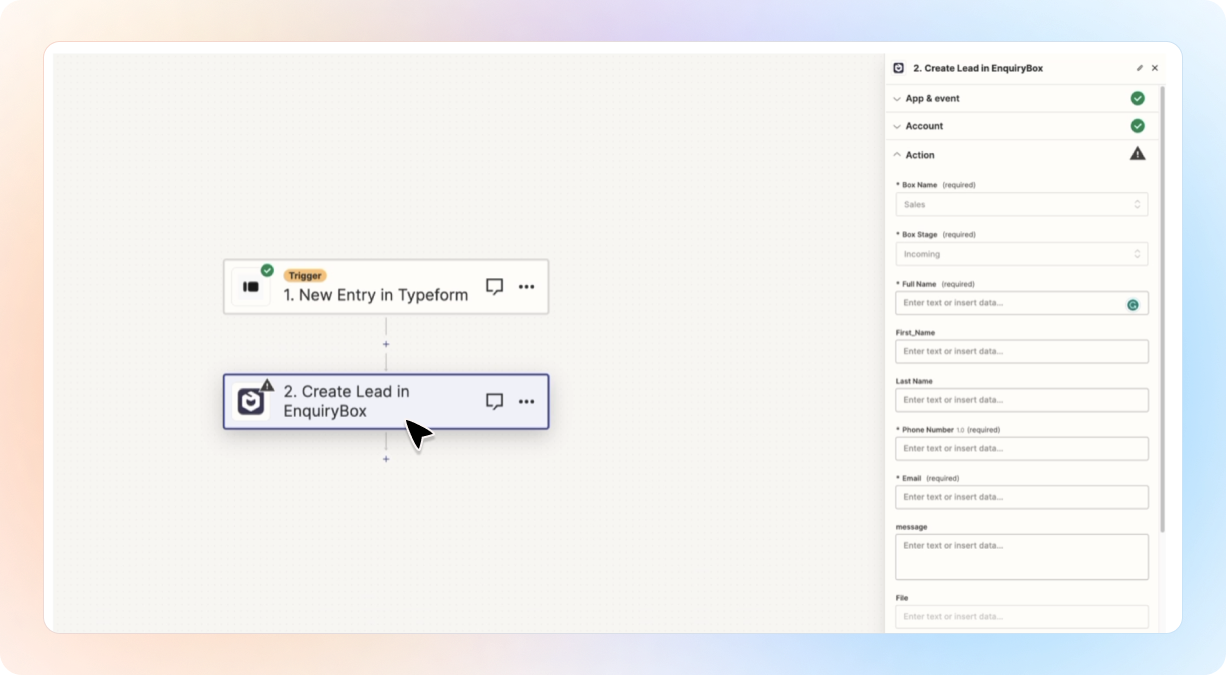
✅ Once mapped - Click test step and you should see the lead pop into Beami. If you happy with the connection, publish you Zap!
And that is it! The next time a Typeform gets submitted, it will go to the right Beami box and stage.
It's Magic!